How can I check my order status?
When you are signed in to your Swish account, you can quickly view your entire order history any time you like.
Click on the  button on the top right corner of your screen and select MY ACCOUNT. From this page, you can select My Orders on the left side menu. The status of all your orders will either display as Processing or Complete.
If your order is listed as Processing, this means your order has been received and it is currently being prepared for shipping.

If your order is listed as Complete, it means your order has been fully processed and shipped.

Once your order has been completed you will receive a Confirmation Email with a Tracking Number to monitor the delivery progress. If you do not find the email in your Inbox, please check your junk folder and un-mark and remove the email from the junk folder to receive important notifications from Swish in the future.
You can also access your Tracking Number by clicking on View Order on your order page and selecting Order Shipments.
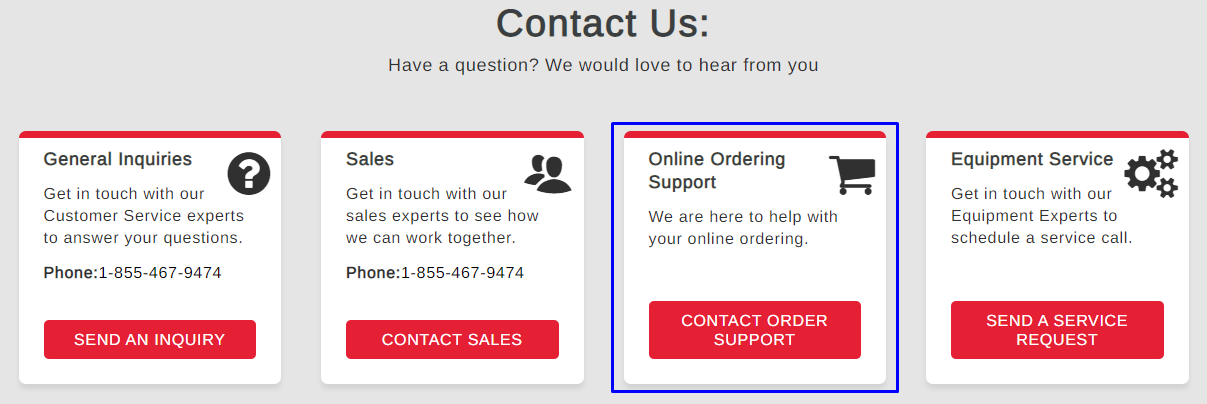
If you are experiencing problems with any of your orders, please visit our Contact Us page for further assistance.